

Okay, I will admit it..I had no clue what a widget even was until I began writing Upton Daily. Widgets are what make the stuff on the right panel of Upton Daily work.
I just discovered the weather widget is pretty cool and does more than I thought when I installed it.
In addition to viewing the current weather you can obtain more detailed information, here’s how.
- place your cursor on a certain day of the week and see what the predicted weather is for that day at 3 p.m.
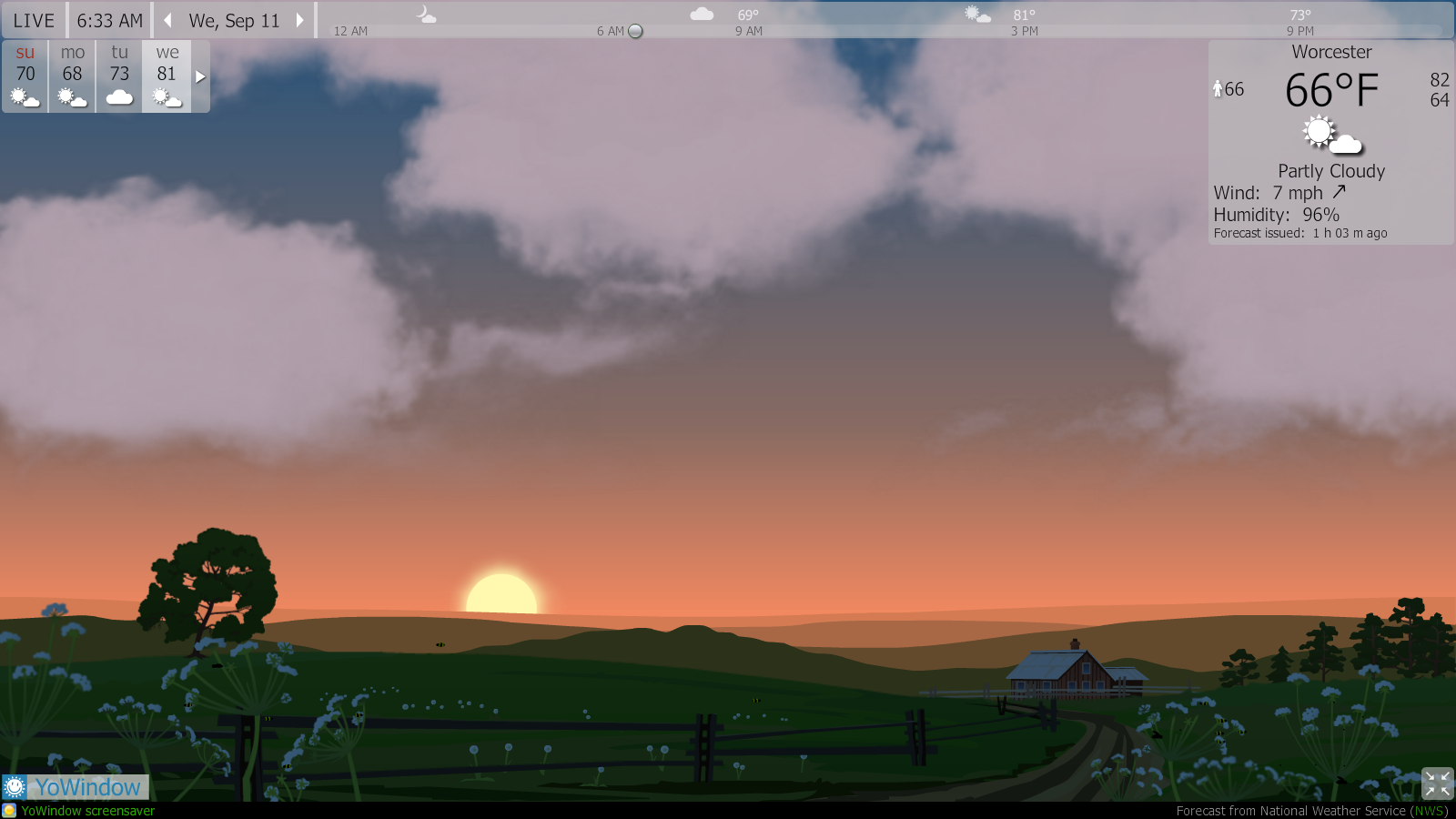
- double-click on the weather image to get more detailed information
- while on the more detailed page view the hourly forecast by sliding the cursor through the hours on the slide bar at the top of the page
- to exit full view mode click the escape or back out
So if you have a minute check out the new widget.
Here is what it looks like in full view…

 UPTON DAILY